Activating outbound calling
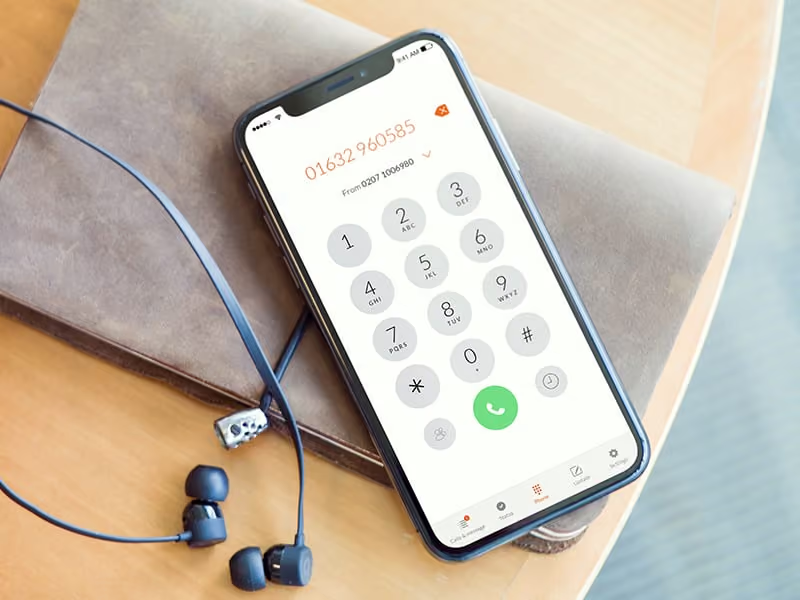
When you’re out of the office and need to speak to a customer, you might think you have to make a choice between blocking your number (and risking no answer) or revealing your personal contact details. There is, however, another solution.
The Moneypenny app offers an outbound calling feature, allowing users to make calls from their business number on a mobile device. Keep your personal number private and give a professional impression every time you make a call, no matter where you are.
To activate the outbound calling feature, follow these simple set-up instructions;
1. Open your Moneypenny app and tap the ‘Settings’ icon at the bottom of the screen
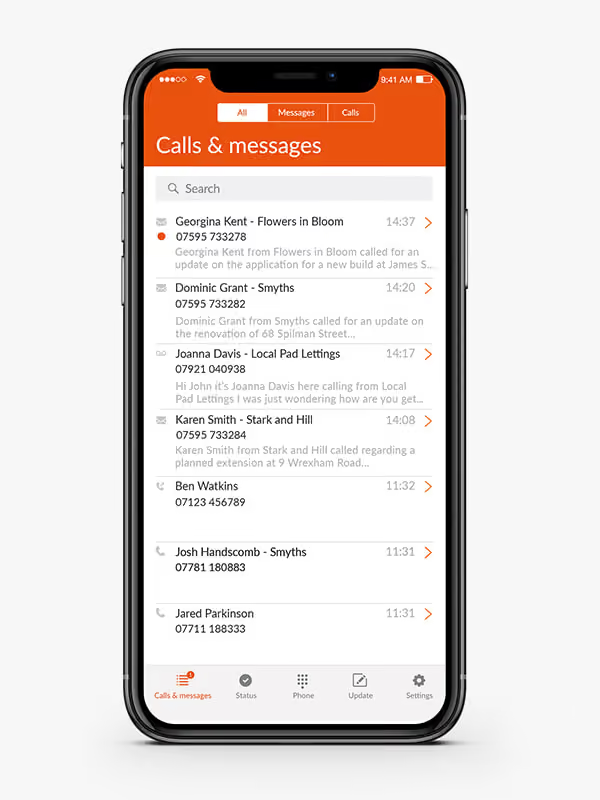
2. Scroll down to the ‘Calls’ tab until you see the toggle called ‘Activate outbound calling’
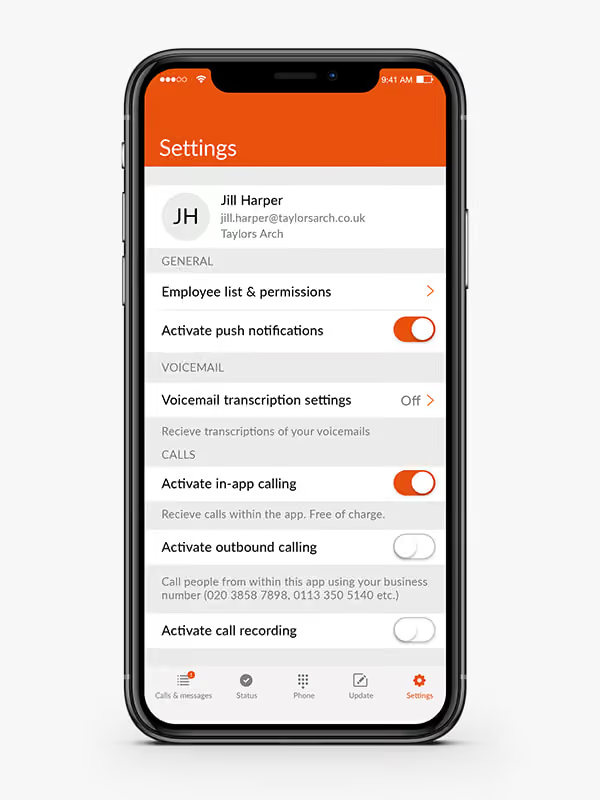
3. To enable outbound calling, tap the toggle so it turns orange
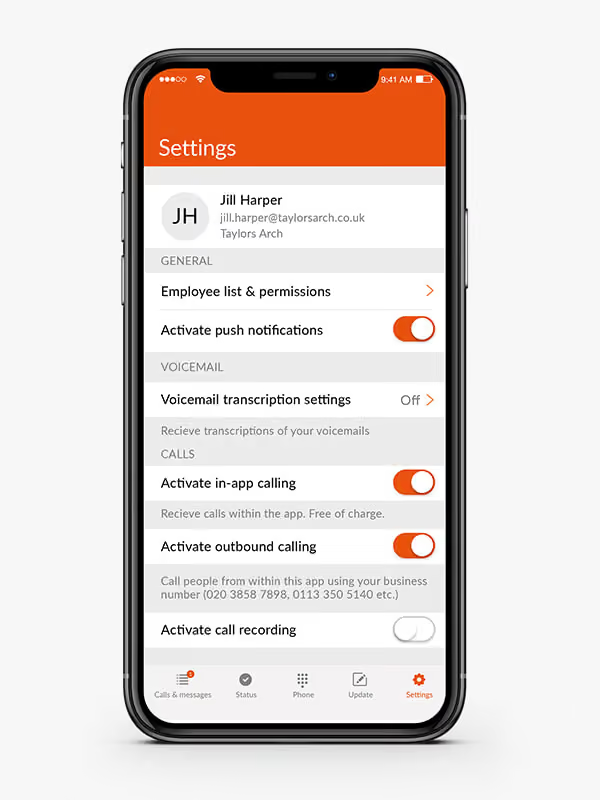
Outbound calling is now activated. To make a call from your business number via the app, follow these easy steps;
1. Tap the ‘Phone’ icon at the bottom of the app screen
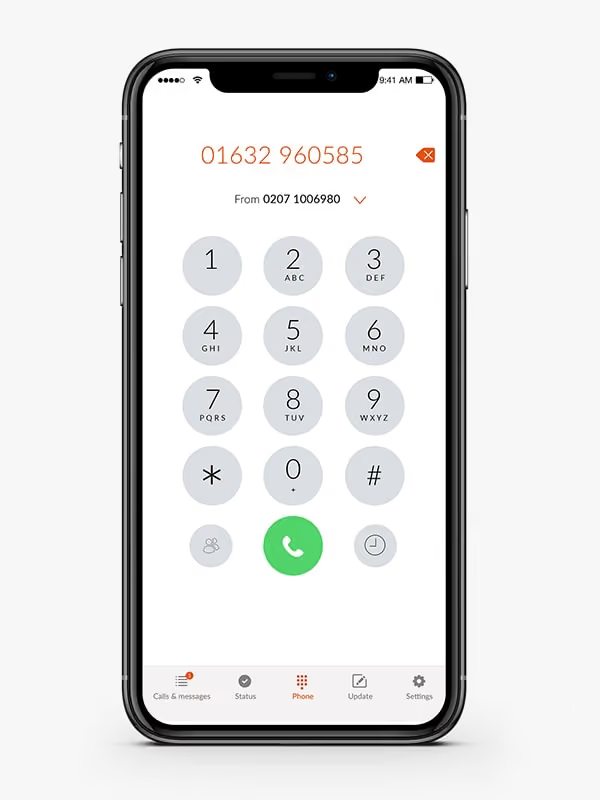
2. Select the business number you wish to make a call from using the drop-down, then tap ‘Done’ (if you have more than one business number, these will all show here)
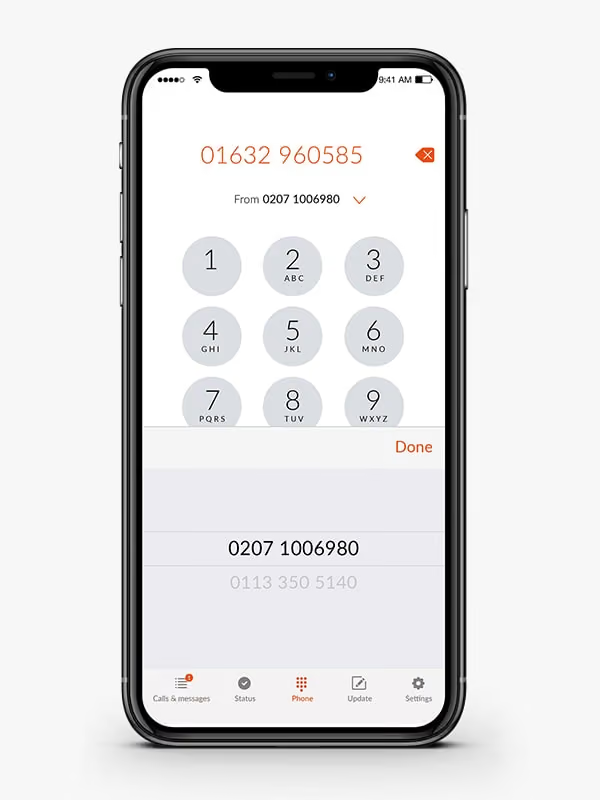
3. Your selected business number is now ready to make a call
If you have any questions or need help setting up outbound calling on your device, give us a call on 0345 123 3700.

Get your quote from the UK’s #1 provider today
Provide us with a few details and we’ll contact you to explain how Telephone Answering will work for your business. Alternatively, call 0333 202 1005 to find out more.
What to expect:
- Thousands of businesses on board
- Unmatched sector expertise
- Award-winning culture