Activating in-app calling

In-app calling cuts costs and improves efficiency.
Savvy business owners understand how important it is to save money without sacrificing quality. Sometimes it’s the smallest change that can save the most time, effort and money - one such example is the in-app calling feature on the Moneypenny app.
In-app calling is the ultimate on-the-go business hack. This handy little feature allows you to receive calls from your Moneypenny PA with the same quality and professionalism, completely free of charge. Think about it; all of the calls you receive from Moneypenny, transferred for free, with no drop in service for your callers - what’s not to love?
To activate the in-app calling feature, follow these simple set-up instructions;
1. First things first, open the Moneypenny app. At the bottom of your app screen you’ll see a ‘Settings’ icon – tap this
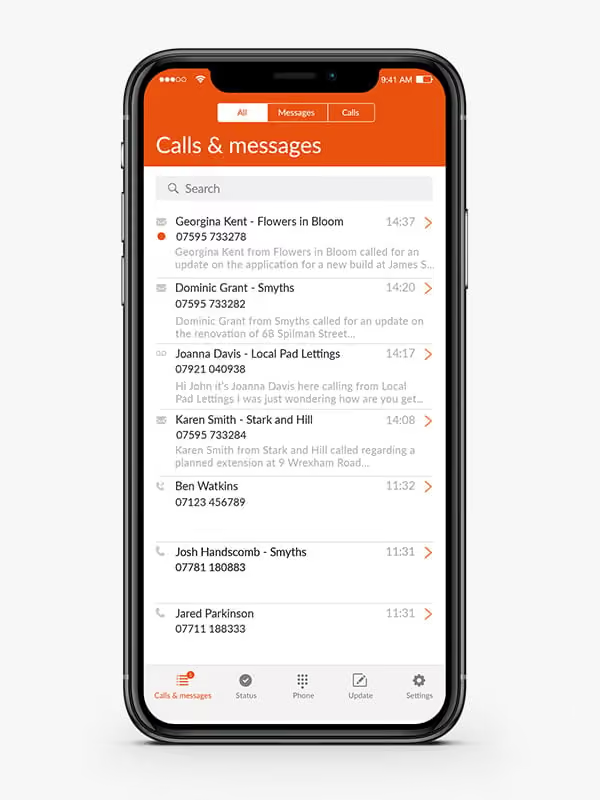
2. Scroll down until you reach the ‘Calls’ tab where you’ll see an option called ‘Activate in-app calling’
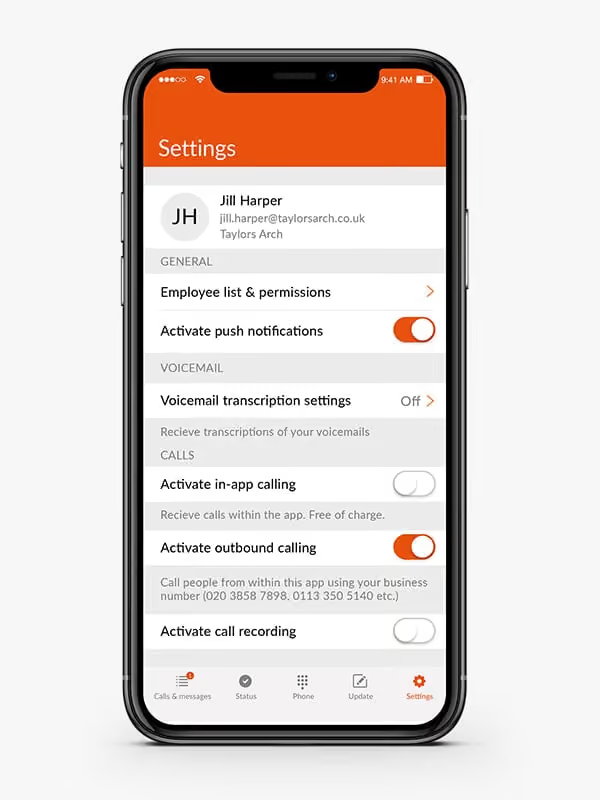
3. To activate in-app calling, simply tap the toggle so it turns orange
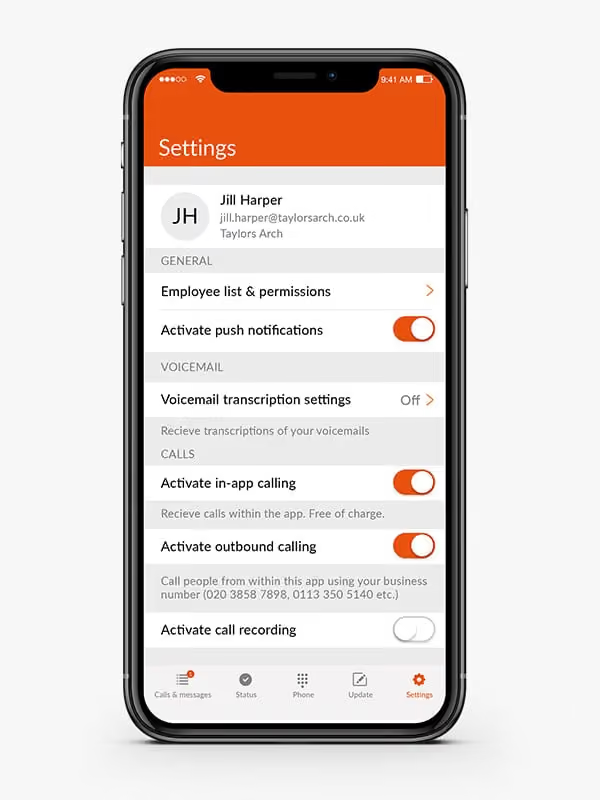
4. You can turn in-app calling on and off at any time, simply return to this page and tap the toggle - just remember, you'll need to set your status to transfer calls to your mobile for this to work
You’re all done. From this point, every call you receive from your Moneypenny PA will be completely free. If at any point you have any questions or need help getting set up, give one of our technical team a call on 0345 123 3700 – we’re available whenever you need.

Get your quote from the UK’s #1 provider today
Provide us with a few details and we’ll contact you to explain how Telephone Answering will work for your business. Alternatively, call 0333 202 1005 to find out more.
What to expect:
- Thousands of businesses on board
- Unmatched sector expertise
- Award-winning culture