How Moneypenny gets your call details straight into your CRM
CRM integration links answering services directly to your system, automatically capturing qualified leads and eliminating manual data entry for faster sales response.
Answering service CRM integration means the details from every call your receptionist handles flow straight into your CRM as a new lead or an updated contact. Instead of someone retyping names, numbers, and notes hours later, the qualified information lands where your team already works, ready to act on.
That gap between a call ending and the details reaching the right system is where leads quietly go cold. Someone means to log it, then three more calls come in, and by the time it’s written up the caller has already booked with whoever answered first. Connecting your answering service to your CRM closes that gap, so nothing sits waiting on a sticky note.
How does CRM integration work?
When a Moneypenny receptionist answers your calls, they have your business information in front of them and follow the script you’ve set. They hold a natural conversation, capture the details you care about, and qualify the lead on the spot. Once the call wraps up, that information is added to your CRM as a new lead, so your team opens their system and finds everything ready, with no retyping and nothing lost along the way.
It’s the same workflow behind our Lead Management Service, where qualifying leads, scheduling, and the CRM hand-off all happen as part of the call rather than as admin afterward.
Two ways we connect
There are two ways we link Moneypenny to your CRM, and we’ll recommend whichever suits your setup. Either way, you’re not the one building anything.
A direct connection. We link Moneypenny straight into your system, so captured call details pass across without a third-party tool in the middle.
Through Zapier. Zapier is an automation tool that lets us pass call details into most CRMs on the market, including the more niche ones. You tell us what you need captured, and we handle the connection and the testing before switching it on.
Which CRMs does this work with?
Most of them. General sales and pipeline tools are covered, and so are the industry-specific platforms your team may already run.
Law firms using our legal answering support can feed leads into Clio, MyCase, or Lawmatics. Home services businesses can connect ServiceTitan, Housecall Pro, or Jobber, and healthcare providers can route information into systems like Epic.
If your CRM isn’t named here, there’s a good chance it’s still supported through Zapier. We’ve published step-by-step walkthroughs for popular setups, including Zoho and Office 365, and our team can confirm your specific tool on a quick call.
Getting set up
Setup is built to take almost nothing off your plate. It runs in four steps.
Frequently asked questions
- Can a virtual receptionist update my CRM?
Yes. A virtual receptionist can capture and qualify call details and pass them into your CRM as a new lead or an updated contact, so your records stay current without your team retyping anything.
- Do I have to enter anything myself?
No. The whole point of the integration is to remove manual data entry. Your receptionist captures the information during the call, and it reaches your CRM automatically once the call ends.
- Which CRMs do you integrate with?
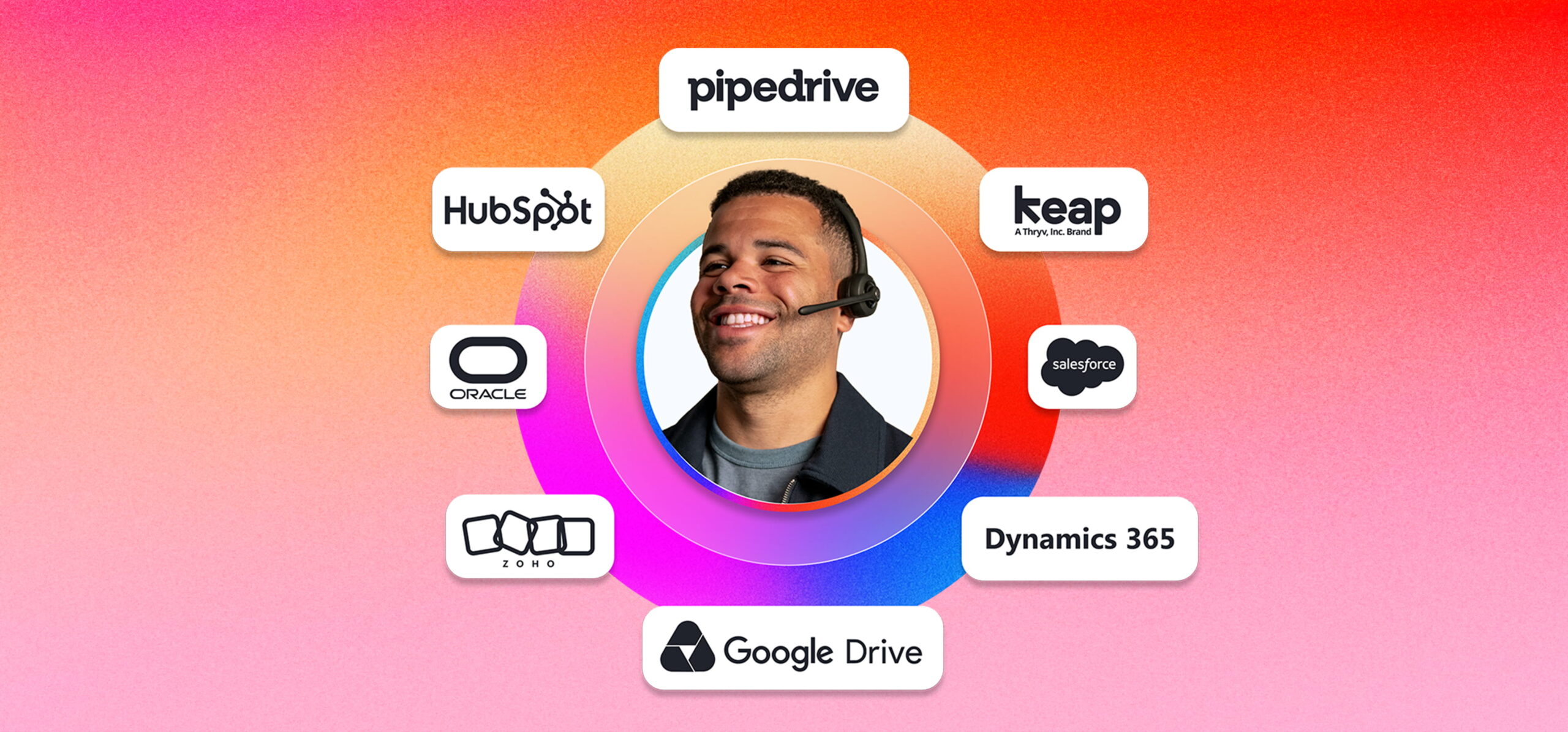
Common ones include Salesforce, HubSpot, Pipedrive, Microsoft Dynamics 365, Keap, and Zoho, plus industry tools like Clio, MyCase, Lawmatics, ServiceTitan, Housecall Pro, and Jobber. Most other CRMs are supported through Zapier.
- Do you connect directly or through Zapier?
Both options exist. Some systems connect directly, and most others connect through Zapier. We’ll recommend the right method for your setup and set it up for you.
- Does the information stay accurate?
Because details are captured live and mapped to the right fields in your CRM, what reaches your team is the information gathered on the call itself, not a rushed summary written up later.
Ready when you are
If leads are currently landing in a notebook or an inbox and reaching your CRM whenever someone finds a spare minute, integration is the fix. To set it up, or just to check whether your system is supported, call our team at 866.202.0005. You can see how it fits alongside day-to-day call handling on our phone answering service and after-hours and 24/7 answering pages, and if booking appointments into your calendar is also part of the picture, that connects the same way.