How Moneypenny books appointments straight into your calendar
Real-time appointment scheduling integration transforms customer experience by confirming bookings instantly during calls rather than sending callbacks, reducing no-shows and delays.
Appointment scheduling integration means your receptionist books, reschedules, and cancels appointments directly in your calendar or booking software while they’re still on the call. The caller gets a confirmed time before they hang up, and your team sees the booking appear in real time, with no one rekeying it later.
A caller who’s ready to book rarely wants to wait for it. Ask them to call back during office hours, or promise that someone will phone to “find a time,” and a good number of them simply book with whoever can slot them in first. Connecting your answering service to your calendar means the appointment is set while the caller is still on the line, not added to a list of callbacks for later.
How does appointment booking work?
When a Moneypenny receptionist answers, they follow the script you’ve set and gather what’s needed to book: the service, the timing that suits the caller, and their contact details. They check your real availability and schedule the appointment in your calendar or booking tool there and then, so the caller leaves the call with a confirmed slot. If plans change, we can reschedule or cancel the same way, keeping your calendar accurate rather than cluttered with slots that no longer apply.
It works hand in hand with our appointment scheduling service and lead management service, where booking, qualifying, and the hand-off to your systems all happen as part of the call.
Two ways we connect
There are two ways we link Moneypenny to your calendar or booking software, and we’ll recommend whichever suits your setup. Either way, the setup work is on us.
A direct connection. We link Moneypenny straight into your calendar or booking tool, so appointments are written in as they’re made, without a third-party tool in the middle.
Through Zapier. Zapier is an automation tool that lets us connect to most booking and calendar platforms on the market, including the less common ones. You tell us how you like to book, and we handle the connection and the testing before switching it on.
Which booking and calendar tools does this work with?
Most of the popular ones, whether you run a dedicated scheduling app or book straight into a shared calendar.
Booking looks a little different depending on your world. Clinics use it to fill patient appointments through our healthcare answering support, realtors use it to lock in viewings through our real estate answering, and home services businesses use it to schedule job visits. If your tool isn’t listed, there’s a good chance we can still connect it through Zapier, and our team can confirm yours on a quick call.
Getting set up
Setup is built to take almost nothing off your plate. It runs in four steps.
Frequently asked questions
- Can an answering service book appointments in my calendar?
Yes. A virtual receptionist can check your availability and book, reschedule, or cancel appointments directly in your calendar or booking software during the call, so the caller gets a confirmed time straight away.
- Does it work with Calendly and Acuity?
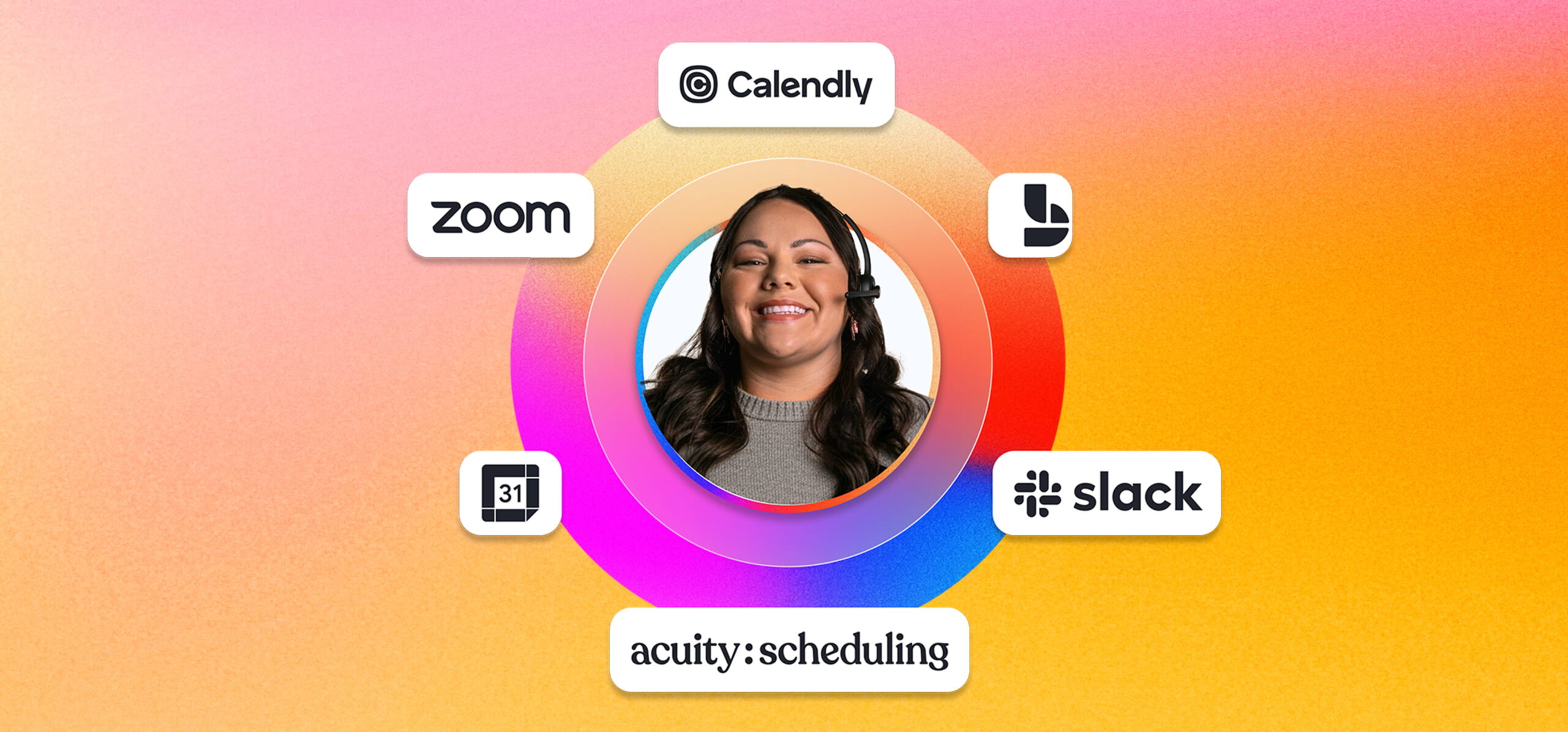
Yes. Calendly and Acuity Scheduling are both supported, along with Google Calendar, Microsoft Bookings, and others. Most remaining tools can be connected through Zapier.
- Can you reschedule and cancel, or only create appointments?
All three. As well as booking new appointments, we can move or cancel existing ones on your behalf, so your calendar stays accurate.
- How do you avoid double-bookings?
Because we book against your live availability in real time, the slot is taken the moment it’s filled, which keeps two callers from being booked into the same time.
- Do callers still get a confirmation?
Yes. The booking follows your tool’s normal confirmation, such as an email or text reminder, exactly as you have it set up.
Ready when you are
If appointments are currently landing as messages your team has to book later, real-time scheduling closes that gap. To set it up, or to check whether your booking tool is supported, call our team at 866.202.0005. You can see how it fits alongside everyday call handling on our phone answering service and after-hours and 24/7 answering pages, and if you also want call details flowing into your CRM, that connects the same way.